ProfitSpy AI User Guide
Welcome to another creation by ESTS in Shopify
App name – ProfitSpy AI
🔰 Introduction
ProfitSpy AI helps you track competitors, automate adjustments, and monitor market activity. With AI-powered insights and smart rules, you can manage your products and stay competitive with ease.
🧩 1. Products Management — Track & Manage
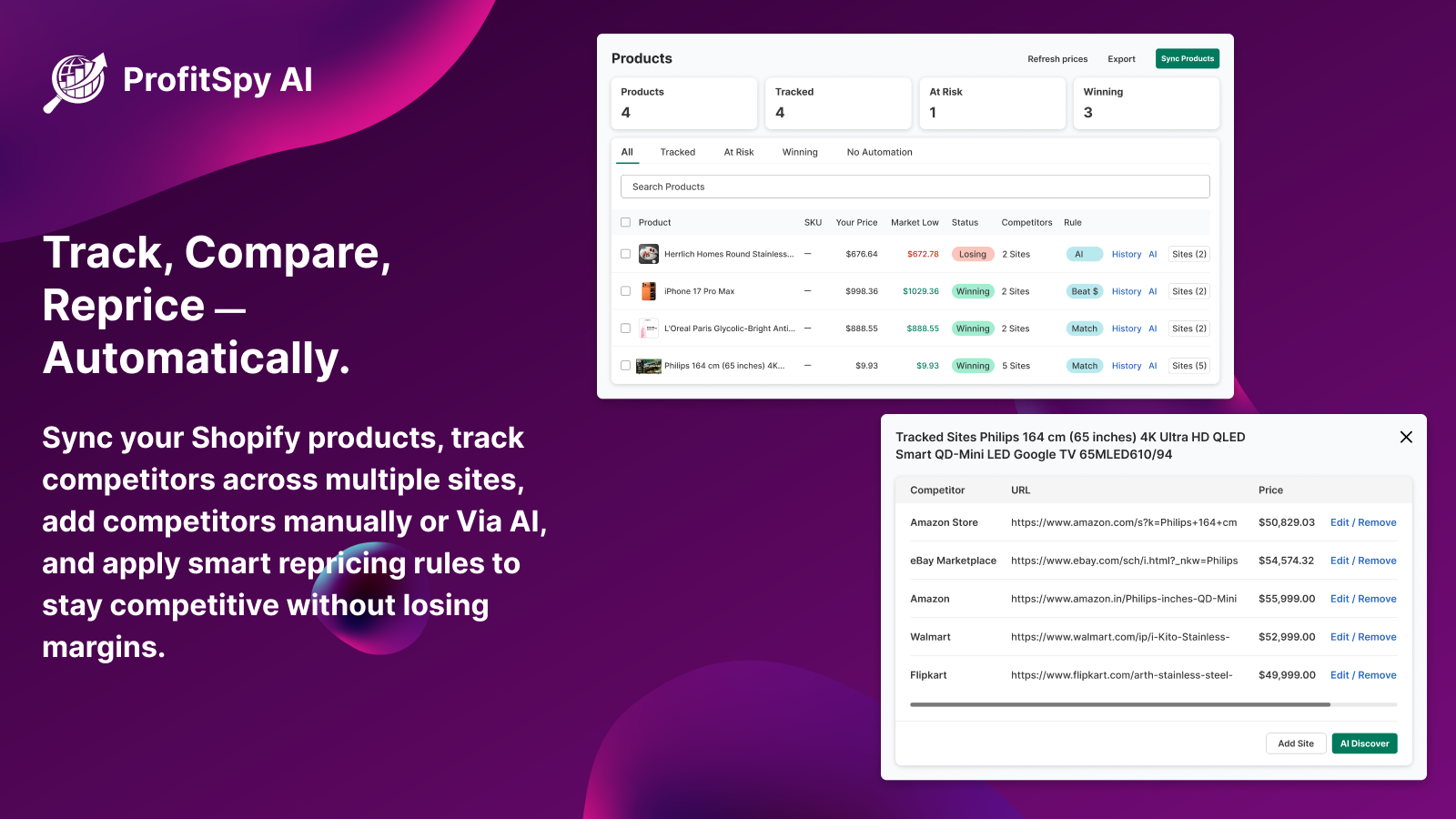
Use this section to manage your Shopify products and track competitors.
🔹 Key Actions:
-
Click “Sync from Shopify” to import products
-
View all products and variants in one dashboard
-
Check product status:
-
Winning
-
Losing
-
At Risk
Check product status:
- Winning
- Losing
- At Risk
🔹 Add Competitors:
-
Click the info (i) icon on any product
-
Add competitor URLs manually
-
Or use AI Discover to find competitors automatically
🔹 Apply Rules:
-
Match competitor level
-
Beat by fixed or percentage
-
AI-based automation
🔍 2. Marketplace Search — Discover Competitors
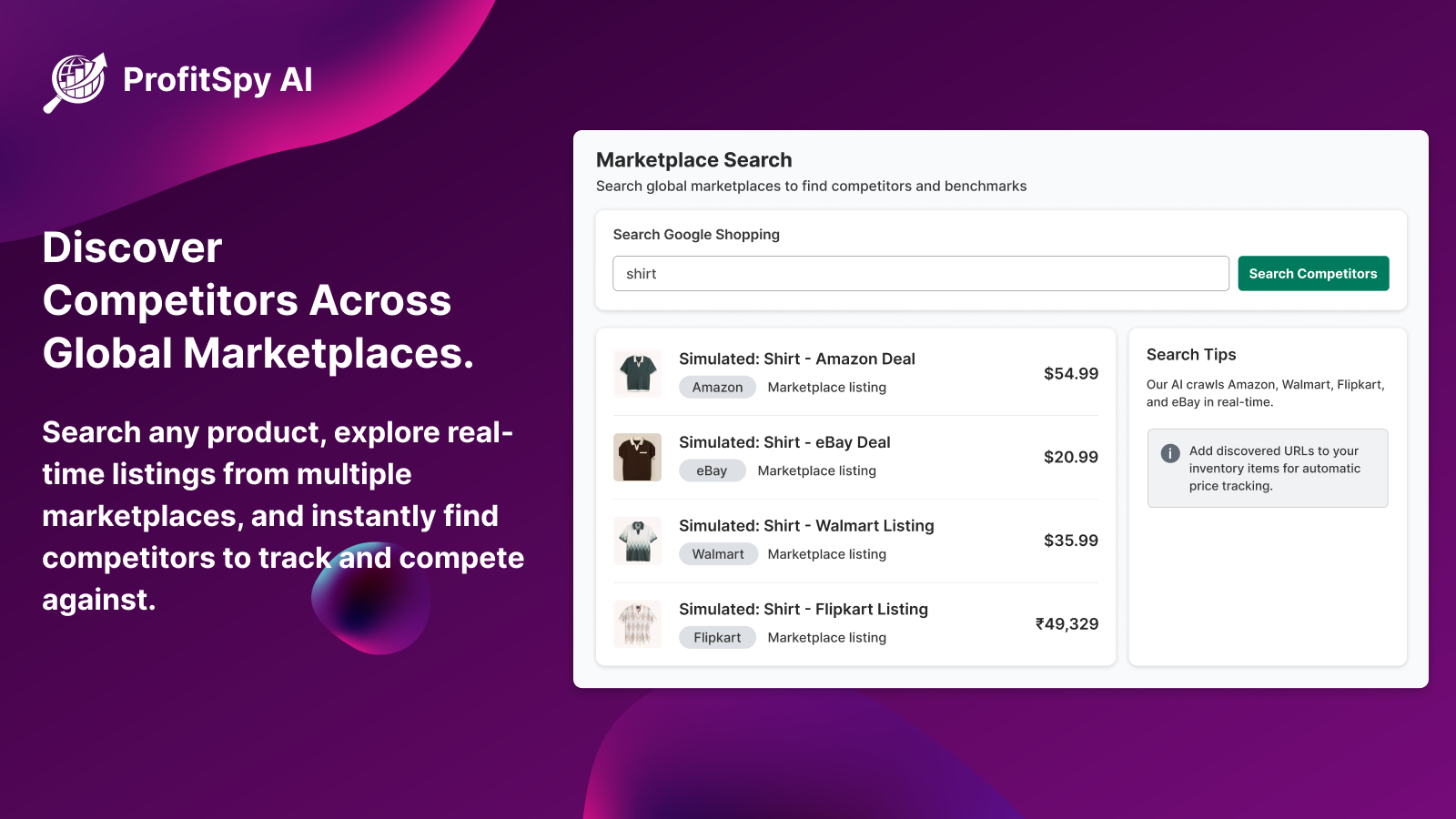
Find competitors globally using product search.
🔹 How It Works:
-
Enter product name, brand, or model
-
Browse results from multiple marketplaces
-
Identify competitors and use them for tracking
⚙️ 3. Advanced Settings — Control & Automation
Customize how the system works based on your needs.
⚙️ 3. Advanced Settings — Control & Automation
Customize how the system works based on your needs.
🔹 Options Available:
-
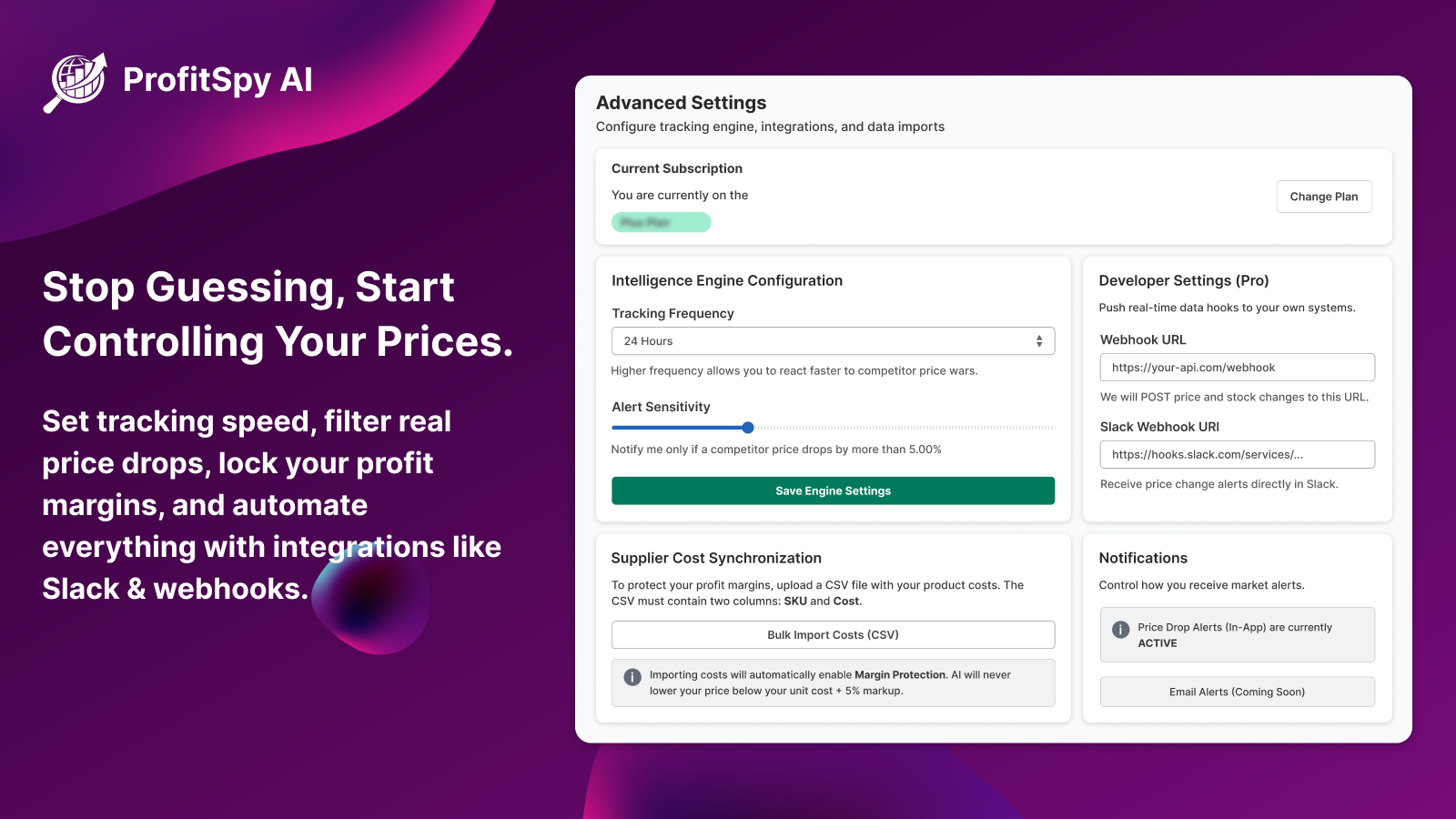
Set tracking frequency (6h / 12h / 24h)
-
Adjust alert sensitivity
-
Import data via CSV
-
Configure:
-
Webhooks
-
Slack notifications
- Set tracking frequency (6h / 12h / 24h)
- Adjust alert sensitivity
- Import data via CSV
- Configure:
- Webhooks
-
Slack notifications
📊 4. Reports & Insights — Data & Intelligence
Get insights and automated reports.
🔹 Features:
-
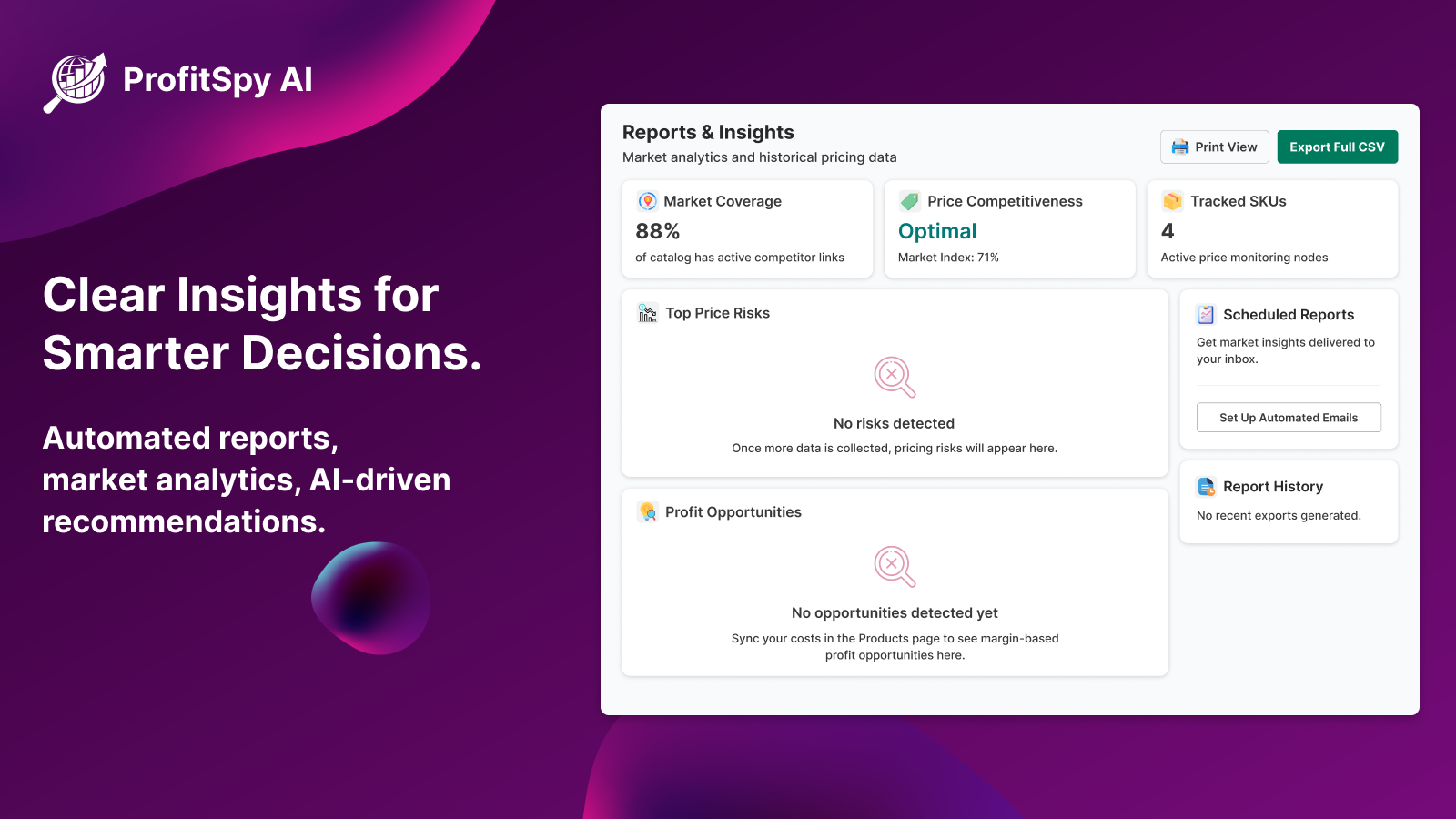
View market analytics
-
Identify risks and opportunities
-
Get AI-generated recommendations
-
Schedule reports (daily / weekly / monthly)
-
Export reports in CSV or PDF
- View market analytics
- Identify risks and opportunities
- Get AI-generated recommendations
- Schedule reports (daily / weekly / monthly)
-
Export reports in CSV or PDF
🔄 5. Bulk Actions — Save Time
Manage multiple products efficiently.
🔹 You Can:
-
Apply rules to multiple products
-
Map competitors in bulk via CSV
-
Update large catalogs quickly
📤 6. Export & Proof
Verify and download your data.
🔹 Options:
-
Export product data in CSV format
-
View proof of tracked competitor data (snapshots)
🎥 Installation & Setup Video
Watch the setup video to understand how to install and configure the app step by step.
💬 Need Help?
If you have any questions or need assistance, feel free to contact our support team.
✅ Congratulations!
You have successfully completed the setup. You are now ready to use ProfitSpy AI 🚀
Related Articles
ESTS AI Description User Guide
Welcome to the another creation by ESTS in Shopify App Name - AI Description Generator This app is specially designed to generate a description of the product. This app is free and easy to use. The main purpose of this app is to generate a more ...ESTS - RMA Call Desk User Guide
Welcome to the another creation by ESTS in Shopify App Name - ESTS - RMA Call Desk This app is created by ESTS (Expound Soft Tech Solution). This app is especially developed for those who wants to integrate their Shopify Store with ESTS - RMA Call ...ESTS WhatsApp User Guide
Welcome to the another creation by ESTS in Shopify App Name - ESTS WhatsApp This app is created by ESTS (Expound Soft Tech Solution). This is a WhatsApp.It is used to chat using WhatsApp with a single click. This app does not need much configuration ...ESTS PopupPro User Guide
Welcome to the another creation by ESTS in Shopify App Name - ESTS PopupPro This app is created by ESTS (Expound Coderz). The ESTS PopupPro app allows you to create and display popups on your website. With Custom Popup, you can customise the content, ...OrderModifyByESTS User Guide
Support Center User Guide Learn how to easily install, use, and configure this Shopify app. Follow this step-by-step guide to customize and optimize the app for your store effortlessly. Help? A comprehensive, step-by-step guide with examples and ...